Eyebrow Background Glow

MCP Apps: Bring MCP Apps to your users!

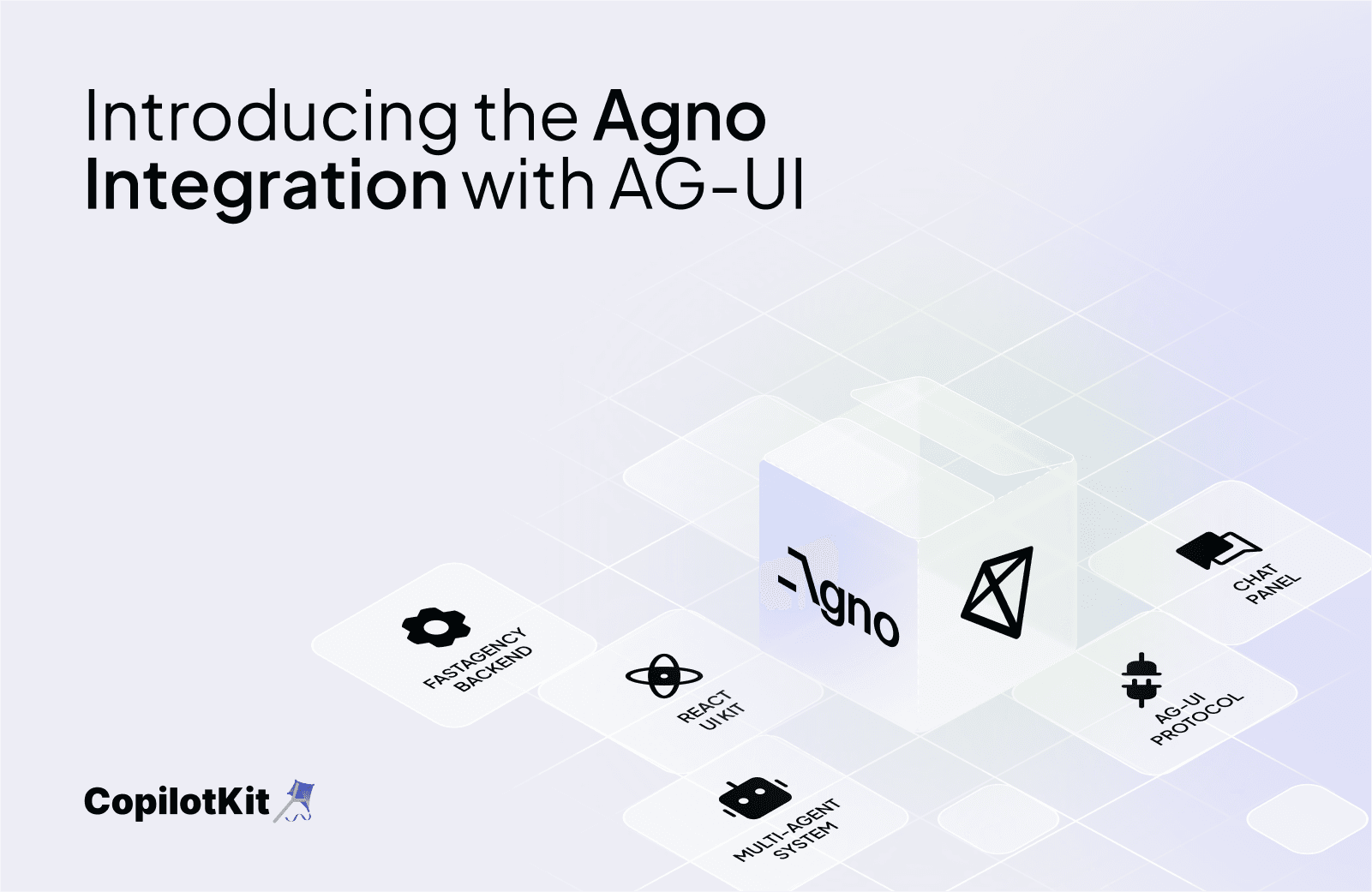
Introducing the Agno Integration with AG-UI & CopilotKit

By Ashpreet Bedi
June 18, 2025
Introducing the Agno Integration with AG-UI & CopilotKit

We’re excited to announce the official CopilotKit integration with Agno via AG-UI — the open protocol for Agent-User Interactions. With this integration, you can now expose your Agno agents as AG-UI compatible apps.

AG-UI, or Agent-User Interaction Protocol, is a protocol standardizing how AI agents connect to front-end applications. With this new Agno integration, you will be able to easily connect any AG-UI frontend to your Agno Agents and Teams.

Example usage
1. Start by installing the backend dependencies
pip install agno ag-ui-protocol
2. Run the backend

Now let’s run an AGUIApp exposing an Agno Agent. This will be our backend.

from agno.agent.agent import Agent
from agno.app.agui.app import AGUIApp
from agno.models.openai import OpenAIChat

chat_agent = Agent(
	name="Assistant",
	model=OpenAIChat(id="gpt-4o"),
	instructions="You are a helpful AI assistant.",
	add_datetime_to_instructions=True,
	markdown=True,
)

agui_app = AGUIApp(
	agent=chat_agent,
	name="Basic AG-UI Agent",
	app_id="basic_agui_agent",
	description="A basic agent that demonstrates AG-UI protocol integration.",
)

app = agui_app.get_app()

if __name__ == "__main__":
	agui_app.serve(app="basic:app", port=8000, reload=True)
3. Run the frontend

Now we want to interact with our backend using an AG-UI compatible frontend.

You can use Dojo, an advanced and customizable option to use as a frontend for AG-UI agents:

  1. Clone the project: git clone <https://github.com/ag-ui-protocol/ag-ui.git>
  2. Follow the instructions here to learn how to install the needed dependencies and run the project.
  3. Remember to install the dependencies in /ag-ui/typescript-sdk with pnpm install, and to build the Agno package in /integrations/agno with pnpm run build.
  4. You can now run your Dojo! It will show our Agno agent as one of the available options.

4. Chat with your Agno Agents!

Done! If you are running Dojo as your front-end, you can now go to http://localhost:3000 in your browser and chat with your Agno Agent.

You can read more about the integration in our docs, and see some more examples here.
Want to learn more?

Top posts

See All
Reusable Agents Meet Generative UIs
Anmol Baranwal and Nathan TarbertMarch 12, 2026
Reusable Agents Meet Generative UIsOracle, Google, and CopilotKit have jointly released an integration that standardizes how AI agents are defined, how they communicate with frontends in real time, and how they describe the UI they require. The integration connects three distinct layers. Oracle's Open Agent Specification (Agent Spec) provides a framework-agnostic way to define agent logic, workflows, and tool usage once and run it across compatible runtimes. AG-UI handles the live interaction stream between the agent and the frontend, keeping tool progress, state updates, and user interactions synchronized while the agent is executing. A2UI, developed by Google, allows agents to describe the UI they need - forms, tables, multi-step flows - as structured JSONL, which CopilotKit then renders automatically inside the host application. Previously, each of these layers required custom implementation per project. This release establishes a shared contract across all three, meaning agent developers can define the agent once, expose a standardized interaction stream, and have the frontend render structured UI surfaces without writing custom wiring for each tool or workflow. The practical impact is reduced integration friction across the ecosystem - agent runtimes and frontend clients that implement these standards can interoperate without lock-in to a specific framework or vendor.
The Developer's Guide to Generative UI in 2026
Anmol Baranwal and Nathan TarbertJanuary 29, 2026
The Developer's Guide to Generative UI in 2026AI agents have become much better at reasoning and planning. The UI layer has mostly stayed the same, and it is holding back the experience. Most agent experiences still rely on chat, even when the task clearly needs forms, previews, controls, or step-by-step feedback. Generative UI is the idea that allows agents to influence the interface at runtime, so the UI can change as context changes. This is usually done through UI specs like A2UI, Open-JSON-UI, or MCP Apps. We'll break down Generative UI, the three practical patterns, and how CopilotKit supports them (using AG-UI protocol under the hood).
Bring MCP Apps into your OWN app with CopilotKit & AG-UI
Anmol Baranwal and Nathan TarbertJanuary 22, 2026
Bring MCP Apps into your OWN app with CopilotKit & AG-UIToday, we are excited to announce CopilotKit’s support for MCP Apps. Now, MCP servers can finally ship an interactive UI that works out of the box in real agent applications.
Are you ready?

Stay in the know

Subscribe to our blog and get updates on CopilotKit in your inbox.